The scratchpad
The scratchpad serves as a simple but effective way to capture thoughts and reminders.
Last updated About 1 year ago
Your personal notebook
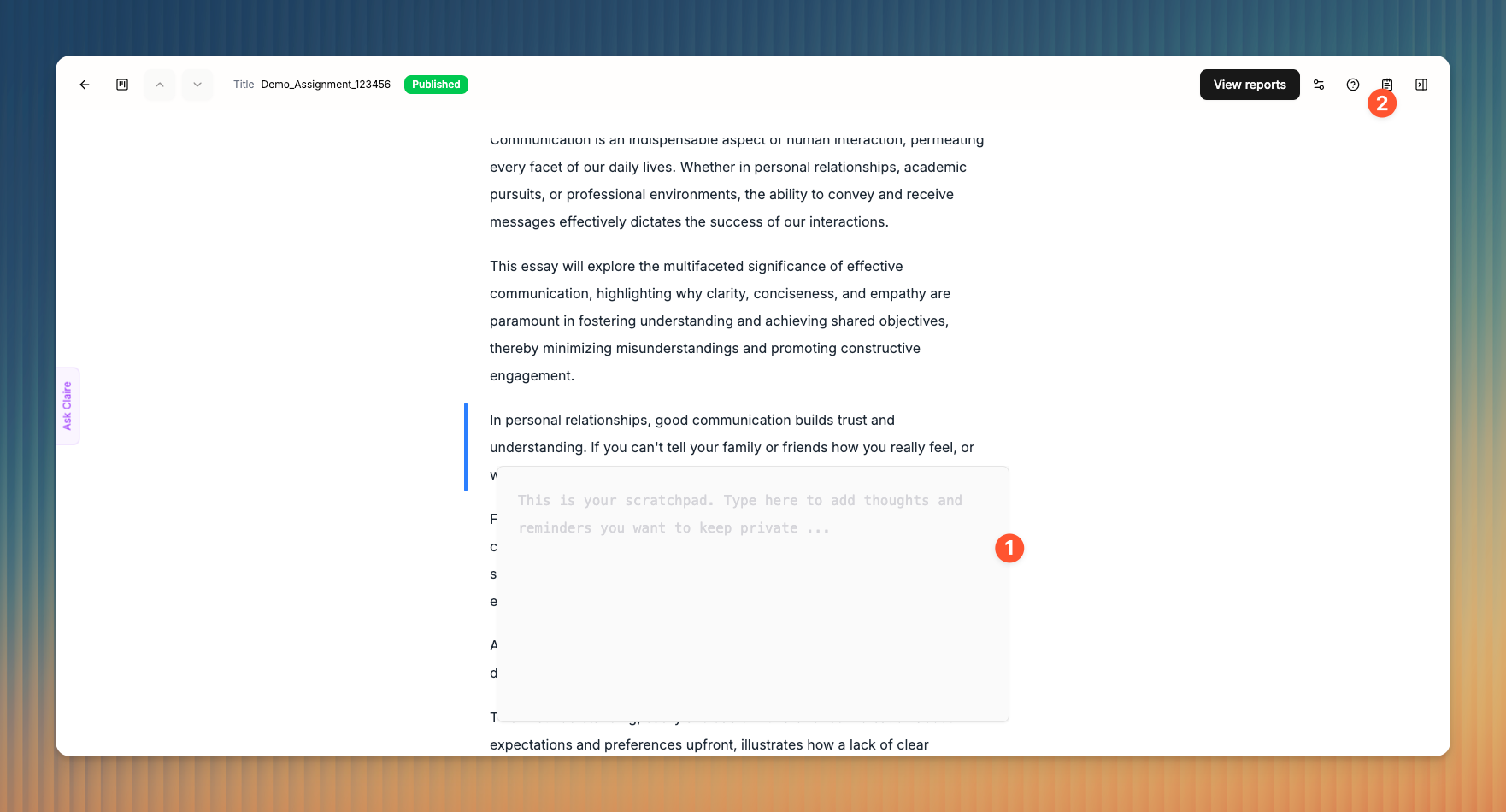
The scratchpad 1 is a great way to jot down thoughts or reminders that are meant to kept private. To open the scratchpad, simply press CMD/Ctrl + d. To hide it, press ESC.
Alternatively, you can click the scratchpad icon in the top navigation bar 2.
Best practices
Use the scratchpad for thoughts and reminders (that you do not plan on sharing with the student). Save general feedback as notes, see Annotate submissions .
Use Keyboard shortcuts for easy access.